
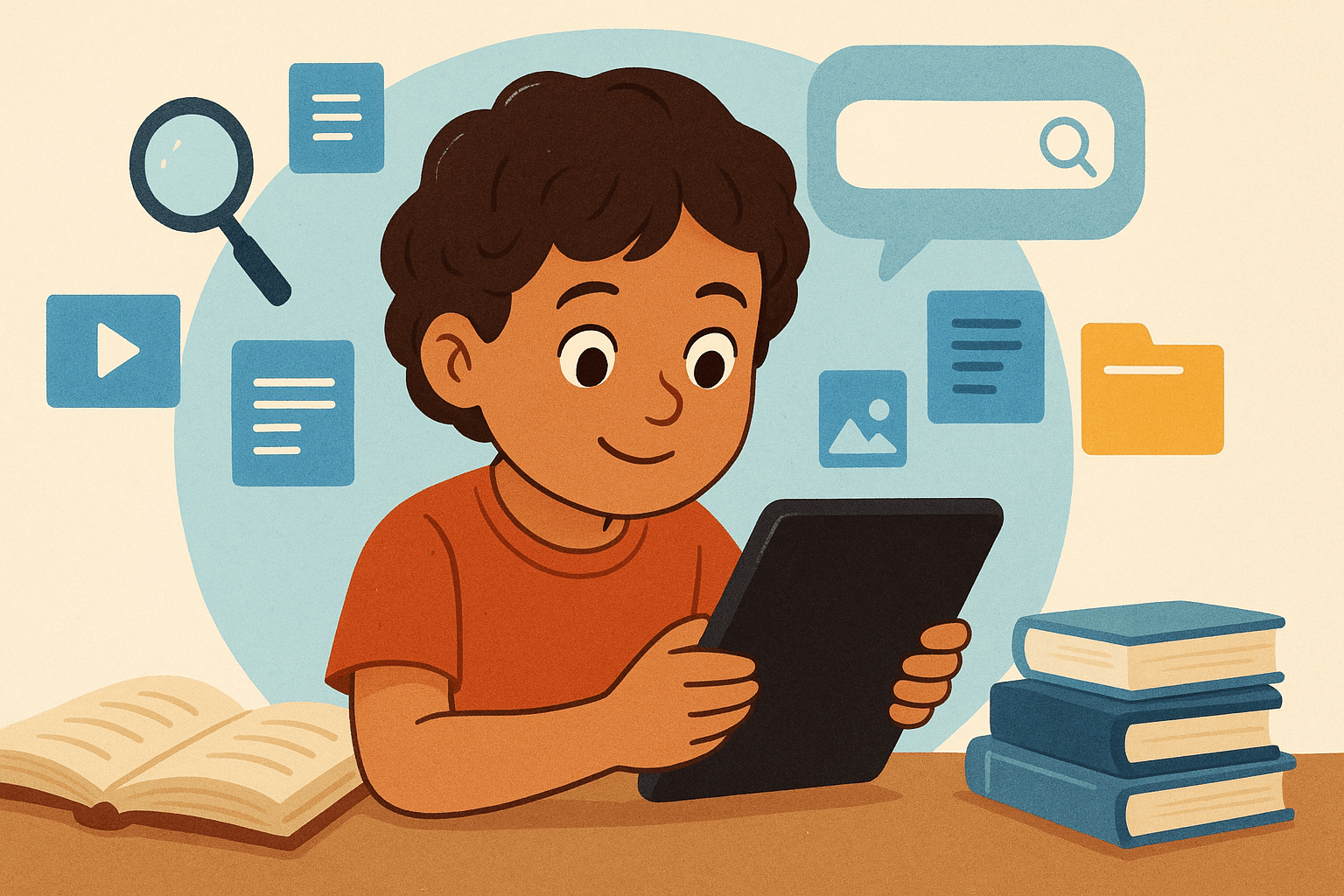
In today’s hyperconnected world, children are surrounded by screens from the moment they wake up. Tablets, YouTube, educational apps, and search engines have replaced encyclopedias and sometimes even playtime. Parents often worry: “Is all this screen time hurting my child’s brain?”
But what if — instead of being passive consumers — children could become active curators of the digital world? What if screen time became not a distraction, but a superpower — one that develops research skills, critical thinking, and creativity?
Welcome to the new frontier of learning: digital curation — the art of finding, organizing, and sharing information meaningfully. This blog explores how your child can turn everyday scrolling into a lifelong skill of inquiry, discovery, and wisdom.
1. From Scrollers to Curators: The Shift in Mindset
Most children today are digital natives, but not necessarily digital thinkers. They know how to swipe, click, and scroll — but do they know how to question, analyze, and organize?
Digital curation teaches kids to move from:
- Passive consumption → to active exploration
- Random viewing → to intentional learning
- Information overload → to information mastery
When your child curates, they’re not just watching videos — they’re evaluating sources, connecting ideas, and building their own digital “museum” of knowledge.
In short: curation turns screen time from noise into nurture.
2. What Is Digital Curation (and Why It Matters for Kids)
Curation means collecting valuable things — like a museum curator chooses which art to display and how to arrange it.
For kids, digital curation means:
- Searching online for meaningful information
- Sorting through what’s true, useful, or inspiring
- Saving or sharing it in ways that tell a story or answer a question
In doing so, children develop essential 21st-century skills:
- Critical thinking – deciding what’s credible
- Research literacy – knowing how to find answers
- Organization – categorizing and summarizing ideas
- Creativity – using digital tools to express understanding
These are the same skills future employers, universities, and innovators value most.
3. The Hidden Learning Potential in Screen Time
Let’s be honest — screen time is here to stay. But how it’s used makes all the difference.
When guided intentionally, digital media can fuel curiosity instead of draining it.
Here’s how typical “screen time” can transform with a curation mindset:
| Activity | Passive Use | Curator Mindset |
|---|---|---|
| Watching YouTube | Mindless entertainment | Comparing 3 science channels and summarizing which explains best |
| Using Google | Clicking the first result | Checking sources, noting differences, and saving useful pages |
| Playing games | Just playing for fun | Researching how the game was designed or the math behind it |
| Social media | Scrolling endlessly | Following educational creators and saving inspiring content |
When kids become curators, every tap becomes a tiny act of learning.
4. The Brain Benefits of Curating, Not Consuming
Neuroscientists have found that active engagement — not passive viewing — strengthens learning pathways in a child’s brain.
When a child curates:
- They use executive functions (planning, organizing, evaluating)
- They strengthen working memory by comparing sources
- They enhance creative thinking by synthesizing different ideas
In contrast, passive consumption leads to mental fatigue and scattered attention.
Curation, on the other hand, builds focus, confidence, and comprehension.
5. Turning Curiosity Into a Research Habit
Every child is naturally curious. The key is helping them channel that curiosity into meaningful exploration.
Here’s how you can nurture the digital curator mindset step by step:
a. Start with a Wonder Question
Ask your child something like:
- “Why do some stars look bigger than others?”
- “How do bees make honey?”
- “What happens to old satellites in space?”
Encourage them to find out using online tools — safely and with your guidance.
b. Teach Smart Searching
Show them how to use keywords, quotation marks, and filters.
For example:
- Instead of “sharks,” try “how sharks breathe underwater for kids.”
- Use “site:.edu” or “site:.gov” for reliable information.
c. Compare and Curate
Have them look at 2–3 sources and note:
- What’s similar?
- What’s different?
- Which seems most trustworthy and why?
d. Summarize Creatively
Encourage them to make a poster, slideshow, or short video to share what they found.
This turns research into creation — and boosts retention dramatically.
6. The Tools of the Digital Curator
Here are some kid-friendly tools that make digital curation fun and safe:
| Tool | Best For | Age Group |
|---|---|---|
| Google Kids / Kiddle.co | Safe web searches | 5–12 |
| Wakelet | Collecting and sharing web links | 8+ |
| Padlet | Visual idea boards for class or projects | 8+ |
| Saving inspiration and ideas | 10+ | |
| Canva | Designing research posters or infographics | 8+ |
| Scratch / Tynker | Coding-based research storytelling | 7+ |
These tools empower kids to organize knowledge, not just absorb it.
7. Screen Time Becomes Skill Time
Here’s a new way to think about digital activity:
“If it creates, compares, or curates — it counts as learning.”
Encourage your child to balance screen time between:
- Consume (30%) – Watching, reading, exploring
- Curate (40%) – Collecting, comparing, organizing
- Create (30%) – Making something new
This simple framework ensures that screen time leads to skill time — not wasted time.
8. Real-Life Examples: Kids as Digital Curators
Story 1: The Dinosaur Detective (Age 8)
Liam loves dinosaurs. Instead of just watching dino videos, he created a Google Slide “Dino Museum” with facts, drawings, and YouTube clips.
He shared it with his class — and turned his hobby into a research project.
Story 2: The Young Chef Blogger (Age 11)
Sara loved cooking shows, so she started a Pinterest board of kid-friendly recipes. She began testing them, rating them, and creating her own step-by-step photo guides.
Now her screen time includes math, writing, and presentation skills — all in one.
Story 3: The Eco Explorer (Age 9)
After learning about pollution, Ava made a Padlet board of eco-friendly ideas and invited classmates to add more.
Together, they presented it at their school — turning curation into collaboration.
9. The Parent’s Role: From Screen Police to Learning Coach
Instead of policing screen time, coach your child through it.
Try this:
- Ask, “What did you discover today?” instead of “How long were you on your tablet?”
- Encourage reflection — “Why did you pick that video?” “What did you learn from it?”
- Offer digital praise — “That’s a great way to organize your research!”
By shifting from control to curiosity, you model the same mindset you want your child to develop.
10. Building Safe, Smart Digital Habits
Digital curation must always include digital safety. Teach kids the three golden rules of online learning:
- Check Before You Click – Only visit trusted, age-appropriate websites.
- Think Before You Share – Ask: “Would I say this in real life?”
- Credit the Creator – Always mention where information or images came from.
Learning respect and responsibility online is just as important as knowing how to search.
11. Turning School Projects into Curation Challenges
Teachers love curation activities because they blend multiple skills — research, writing, tech, and creativity.
If your child has a school project, turn it into a curation challenge:
- Use Wakelet or Padlet to collect 5 trusted sources
- Add a short summary or image to each
- Present findings as a mini “digital exhibit”
This turns a simple homework task into an inquiry-based learning experience — and your child feels like a young researcher.
12. Why Curators Make Better Learners
Studies show that children who organize and explain what they learn retain up to 50% more information than those who only read or watch.
Curation forces them to:
- Filter out noise
- Spot patterns
- Make meaning
In a world where knowledge changes every day, the ability to find and filter becomes more valuable than memorizing facts.
13. The Future Belongs to Curators, Not Collectors
In the age of AI and information overload, the true power lies not in knowing everything, but in knowing how to find and connect the right things.
Tomorrow’s leaders — scientists, creators, entrepreneurs — will be information curators, capable of seeing patterns where others see chaos.
When your child learns to do this early, they’re building not just academic success — but lifelong adaptability.
14. Practical Tips to Start Today
Here’s a simple weekly plan to get started at home:
| Day | Activity | Goal |
|---|---|---|
| Monday | Pick a “Wonder Question” | Build curiosity |
| Tuesday | Search 2–3 kid-safe sources | Practice research |
| Wednesday | Save or organize findings | Learn categorization |
| Thursday | Create a poster or digital summary | Practice communication |
| Friday | Share with family or friends | Build confidence |
Repeat weekly with new topics your child loves — animals, space, cooking, sports, or art!
15. From Digital Overload to Digital Empowerment
Many parents see screens as the enemy of learning. But the truth is: the future of learning is digital — the key is teaching children how to navigate, not avoid, that world.
By reframing screen time as curation time, you’re empowering your child to:
- Research independently
- Think critically
- Create confidently
- Communicate clearly
That’s not just smart — it’s future-ready.
16. Final Thoughts: Raising the Next Generation of Thinkers
When you hand your child a screen, you’re not just giving them entertainment — you’re giving them access to the world’s knowledge.
The question is: will they scroll past it or curate it?
With gentle guidance, every video they watch, every fact they find, and every idea they save can become part of a lifelong learning journey.
Because today’s digital curators aren’t just tech-savvy kids —
they’re tomorrow’s innovators, scientists, and storytellers.